Best Online Learning Platforms in 2026: The Complete Guide for College Students

Not all online platforms are built the same. Here’s a goal-by-goal guide to the best platforms for college students in...
College student exploring online learning platforms on a laptop

Picking the wrong online learning platform isn’t just a waste of money — it’s a waste of the time you spent on it. And with hundreds of platforms now competing for your attention and subscription fee, the choice is genuinely harder than it should be.

The good news is that the decision becomes much simpler once you’re clear on one thing: what are you actually trying to do? A platform that is exceptional for building coding skills from scratch will be a poor fit for someone studying for the GRE. A platform that is great for academic subject mastery is a different thing entirely from one built for career switching.

This guide covers the best platforms across four goals—general learning, academic subjects, exam preparation, and professional skill-building—with curated picks for each, honest assessments of what each platform does well (and doesn’t), and a framework for building a personal learning stack that fits your situation.

All platform links open in a new tab so you can explore without losing your place.

College student exploring online learning platforms on a laptop

Section 1: Top Overall Platforms

These four platforms are the foundation of the online learning landscape in 2026. If you’re new to online learning or want the widest selection from a single source, start here.
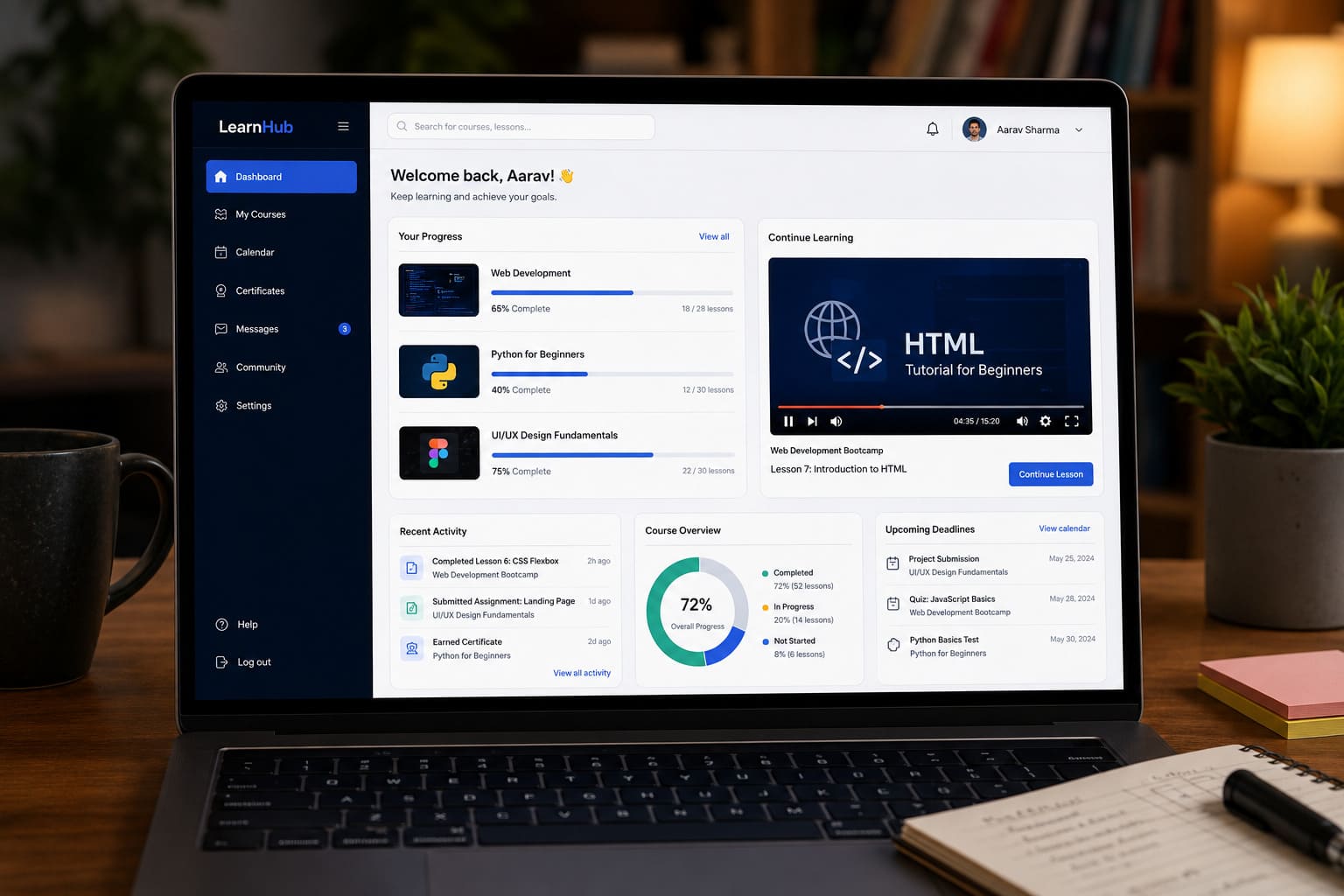
Online course dashboard on a laptop screen showing course progress


Coursera

Best for: University-backed credentials, professional certificates, and structured learning paths.

Coursera partners with more than 300 universities and companies—including Stanford, Yale, Google, IBM, and Meta—to deliver courses, specialisations, and full degree programmes. The platform’s Professional Certificates (Google Data Analytics, IBM AI Engineering, Meta Front-End Developer) are recognised by a consortium of over 150 employers and carry genuine weight on a résumé in a way that most completion-certificate platforms cannot match.

With 197 million registered learners globally, Coursera is the largest university-partnered platform online. Coursera Plus ($59/month or $399/year, with promotional rates appearing periodically) unlocks access to most of the 7,000+ course catalogue. Most courses can also be audited for free — you watch all lectures and read all materials without paying; you only pay if you want graded assignments and a certificate. For budget-conscious learners who just need the knowledge, the audit track is genuinely underused.

Coursera reports that 87% of Professional Certificate learners saw career benefits within six months of completing a program. The platform’s AI tutor, Coursera Coach, is integrated across most courses and has reportedly improved quiz pass rates by around 10%. Financial aid is available for most paid programs, reducing cost to zero for qualifying learners.

Pricing: Free audit on most courses / Coursera Plus $59/month or $399/year / Individual degrees from ~$9,000. Verify current rates at coursera.org.

Honest caveat: Coursera’s catalogue leans heavily toward tech, data, and business. Non-technical or humanities learners will find fewer relevant Professional Certificate tracks.

edX

Best for: Academic depth from top-tier universities; MicroMasters programs that count toward real degrees.

edX was founded by Harvard and MIT and maintains partnerships with more than 250 institutions including Google, IBM, Stanford, and the London School of Economics. Where Coursera has expanded aggressively toward corporate Professional Certificates, edX retains a stronger academic flavor—its MicroMasters programs ($600–$1,500) can count toward actual master’s degrees at partner universities, making them a meaningful step in a longer credential ladder.

Most edX courses can be audited for free; verified certificates cost $49–$299. The platform also launched a subscription tier ($49/month) that unlocks access to a subset of the catalogue. An AI assistant called Xpert is integrated across the platform for concept clarification and study support.

Pricing: Free audit / Certificates $49–$299 / MicroMasters $600–$1,500 / $49/month Unlimited. Verify at edx.org.

Honest caveat: edX’s parent company 2U filed for Chapter 11 bankruptcy protection in 2024. The platform remains active and continues to operate, but the long-term stability of platform investment is less certain than it was. This is worth keeping in mind if you’re considering a multi-year learning path that depends on edX remaining at its current scale.

Udemy

Best for: Affordable, self-paced learning on a specific topic; lifetime course access.

Udemy operates as a marketplace with over 250,000 courses taught by independent instructors. That scale is its defining advantage: if a niche skill exists, someone on Udemy almost certainly teaches it. The platform’s pricing model is also structurally different from subscription platforms — you buy individual courses that you own permanently, with no ongoing subscription required.

Course prices are listed at $89–$199, but Udemy runs near-constant promotions that bring most courses down to $10–$25. A Personal Plan subscription (~$20–$35/month, pricing varies by region) offers access to around 11,000 top-rated courses. Udemy has 80 million learners worldwide.

The important trade-off: Udemy is not accredited, and its completion certificates carry minimal weight with employers compared to Coursera or edX. Quality also varies widely across its massive catalog—checking star ratings, review counts, and the course update date before enrolling is essential.

Pricing: $10–$25 per course on sale (near-constant) / Personal Plan ~$20–$35/month. Verify at udemy.com.

Best use case: You know exactly what tool or technique you need to learn, and you want the fastest, cheapest way to cover it. Don’t use Udemy when the credential itself matters.

LinkedIn Learning

Best for: Career skills, workplace software, and certificates that appear directly on your LinkedIn profile.

LinkedIn Learning ($39.99/month, or included with LinkedIn Premium) gives access to over 16,000 courses covering business skills, project management, design software, Microsoft Office, communication, leadership, and more. The platform’s single distinctive feature is its LinkedIn integration: completed certificates appear as a badge on your public profile, where hiring managers can see them during candidate searches.

For soft skills, career development, and tools that professionals use daily, LinkedIn Learning is the most practical choice among the major platforms. Its courses are typically shorter and more focused than Coursera specialisations, which makes them easier to fit around a busy schedule.

Many public libraries offer free LinkedIn Learning access with a library card — check your local library’s digital resources before paying the monthly subscription.

Pricing: $39.99/month / included with LinkedIn Premium / free via many public libraries. Verify at linkedin.com/learning.

Honest caveat: Certificate depth is shallower than Coursera or edX. For roles requiring demonstrated technical expertise, LinkedIn Learning complements but shouldn’t replace a more rigorous credential program.

Section 2: Best Platforms for Academic / School Subjects

If your goal is strengthening subject-matter understanding — maths, science, history, economics, computer science — rather than earning a professional credential, these platforms are built for exactly that.

Khan Academy

Best for: Free, comprehensive academic learning from a foundational to college level.

Khan Academy is one of the most significant resources in online education, full stop. It is entirely free, covers subjects from basic arithmetic through university-level calculus, economics, biology, chemistry, physics, history, and computing — and it operates on a mastery-based model that doesn’t let you move forward until you’ve genuinely understood the current concept.

The platform’s adaptive practice system identifies your weak areas and routes additional exercises toward them automatically. Khanmigo, Khan Academy’s AI tutor launched in 2025–2026, adds a conversational layer to this: rather than just flagging wrong answers, it asks guiding questions that develop your reasoning rather than handing you the answer.

Khan Academy also maintains an official partnership with the College Board for SAT preparation — the only platform with that status. Students who used Khan Academy’s official SAT prep materials for 20+ hours improved their scores by an average of 39 points, according to College Board research from 2024. (More on this in the exam prep section.)

There are no credentials or certificates here. The value is the learning itself, which is often what students actually need when coursework is confusing or when self-study is the goal.

Pricing: Free. Start at khanacademy.org.

Brilliant

Best for: STEM subjects (maths, science, computer science) — especially for students who want to understand concepts deeply rather than memorize procedures.

Brilliant takes a different approach from almost every other platform on this list: instead of video lectures, it teaches through interactive problem-solving sequences. You engage with concepts by working through carefully designed problems that build intuition, rather than watching someone explain them passively. The difference in retention is real — active problem-solving consistently outperforms passive watching for mathematical and logical reasoning.

The platform covers mathematics (algebra, calculus, statistics, probability), physics, computer science, and logic. Courses are particularly well-suited to students who want to build solid conceptual foundations before tackling advanced coursework or technical interviews.

Pricing: ~$25/month or ~$150/year; free trial available. Verify at brilliant.org.

Honest caveat: Brilliant is STEM-only. It has no courses in humanities, social sciences, or languages. And its content density means it’s more useful as a conceptual supplement to existing coursework than as a standalone study resource for exam-specific content.

If you want university-level academic content for free: edX’s free audit track includes courses from MIT, Harvard, and Berkeley covering everything from data science to literature. The academic rigour is genuine; you simply don’t receive a certificate without paying.

Section 3: Best Platforms for Exam Preparation

The right exam prep platform depends on which exam you’re preparing for. Here are the strongest options by exam type.

Khan Academy — Official SAT Preparation

For SAT preparation specifically, Khan Academy is not just a free alternative to paid platforms — it is the only officially endorsed free prep program, developed in direct partnership with the College Board. College Board research (2024) found that students who spent 20+ hours on Khan Academy’s official SAT prep materials improved their scores by an average of 39 points, with higher practice hours correlating with greater gains.

The platform covers all SAT sections (Reading and Writing, Mathematics), provides personalised practice recommendations based on diagnostic results, and integrates directly with your PSAT scores if you connect your College Board account. For most SAT students, Khan Academy is the correct starting point before considering any paid supplement.

Magoosh

Best for: GRE, GMAT, LSAT, TOEFL, IELTS, SAT, and ACT — affordable, mobile-first, data-driven.

Magoosh has established itself as the go-to platform for international students preparing for graduate and professional standardised tests. Its strengths are consistent across the exams it covers: short, focused video lessons for every concept; a large bank of practice questions, each with a dedicated video explanation; AI-driven analytics that predict your likely score and surface your weakest topics; and a mobile-first design that makes micro-studying practical.

Magoosh also offers a score increase guarantee for major exams—if your score doesn’t improve after completing the program, you can request a refund. The pricing is significantly below traditional test prep companies, which makes it one of the best value options for students on a budget who are preparing independently.

Pricing: Varies by exam and plan length; typically a fraction of Kaplan or Princeton Review. Verify current pricing at magoosh.com.

Best for: Independent self-studiers preparing for GRE, GMAT, or IELTS who want flexibility and value.

Kaplan

Best for: Students preparing for high-stakes exams where premium, structured support matters — LSAT, MCAT, GMAT, SAT, and professional certifications.

Kaplan is one of the oldest and most comprehensive test prep providers, covering more than 80 exams across academic and professional categories. Its adaptive question bank (Qbank) adjusts difficulty based on your performance, ensuring your practice time targets the areas where it will have the most impact. Live instruction options, on-demand video, and proprietary study materials are all available depending on the package.

For medical, law, or professional certification exams where the stakes are high and the preparation timeline is long, Kaplan’s depth and instructor quality (supplemented by its subsidiary Manhattan Prep for specialist GMAT/GRE preparation at the 99th-percentile level) justify the premium price.

Pricing: Premium; varies by exam type and format. Verify at kaptest.com.

Honest caveat: Kaplan covers everything from the GED to interior design certifications, which means its instruction in any single exam area may not match the depth of a specialist provider. For GMAT specifically, Manhattan Prep (a Kaplan subsidiary) is the stronger option.

PrepScholar

Best for: SAT, ACT, GRE, and GMAT — highly personalised study plans driven by diagnostic data.

PrepScholar’s core differentiator is its diagnostic-first approach. Rather than giving every student the same curriculum, PrepScholar runs an initial assessment and generates a personalised study plan based on your current score, target score, available time, and specific weak areas. Its adaptive algorithm continuously adjusts as you practise.

A 2024 Niche.com survey found that students using PrepScholar’s personalised programmes were 50% more likely to report satisfaction with their test prep experience compared to peers using generic resources. The platform also includes tools for managing test anxiety, which is a genuine differentiator for students who find exam conditions more stressful than the content itself.

Pricing: Subscription-based; varies by exam. Verify at prepscholar.com.

Best for: Students who find standard “study this chapter, do these drills” approaches inefficient and want a programme that adapts to their specific needs.

For Indian competitive exam preparation (JEE, NEET, UPSC, CAT): BYJU’S and Unacademy are the two most widely used platforms. BYJU’S is known for its visual, animation-led teaching approach and AI-adaptive tests; Unacademy for its live classes and structured mock test series. Note: BYJU’S has faced significant financial and operational challenges during 2024–2025 — verify that your specific program and subscription type are currently active before committing.

Coursera’s Professional Certificate tracks are also relevant if your target exam is a professional certification (PMP, AWS, Google Cloud) rather than a standardised academic test.

Section 4: Best Platforms for Professional Skill-Building

This section covers platforms designed to help you build skills for a career — whether you’re targeting your first job, switching fields, or adding capabilities to your existing role.

Young professional completing an online coding course at a desk


LinkedIn Learning

Best for: Workplace skills, software proficiency, and credentials that appear on your LinkedIn profile without additional sharing steps.

Already introduced in Section 1, LinkedIn Learning earns its place here because its integration with your LinkedIn profile is uniquely valuable in a professional context. When a hiring manager searches for candidates, your completed LinkedIn Learning badges appear alongside your experience and education. No copy-paste, no upload, no “how do I add this certificate” problem.

The catalogue’s strongest areas are business communication, management, Microsoft Office tools, project management, and career development. Accessible via many public libraries for free before subscribing.

Codecademy

Best for: Learning to code interactively — Python, JavaScript, SQL, HTML/CSS — without needing to install anything.

Codecademy has taught more than 100 million learners across 190+ countries, and its approach is genuinely different from lecture-based platforms: you write code directly in a browser-based editor, get instant feedback on every line, and progress through structured Career Paths (Front-End Engineer, Data Scientist, Full-Stack Engineer, Data Analyst) that bundle skills into job-ready sequences.

An AI assistant is integrated throughout — when you hit an error, it explains what went wrong rather than just marking it incorrect. This is particularly useful for beginners who would otherwise spend 20 minutes confused about a missing colon. Career Paths include portfolio projects, which gives you something to show employers beyond the certificate.

The free tier covers basic syntax across languages. Codecademy Pro ($17.49/month on an annual plan, with student discounts available) unlocks projects, quizzes, career path content, and certificates. If budget is your primary constraint and you’re committed to coding, freeCodeCamp offers 3,000+ hours of completely free curriculum including project-based certifications.

Pricing: Free basic tier / Pro $17.49/month (annual); student discounts available. Verify at codecademy.com.

Skillshare

Best for: Creative skills — graphic design, illustration, photography, video editing, writing, UI/UX, and freelancing.

Skillshare operates on a different model from every other platform covered here: it’s project-based, meaning every class requires you to complete and upload a hands-on project, and the community responds with feedback. For creative disciplines where portfolio quality matters more than a certificate, this active learning model consistently produces better practical outcomes than passive video consumption.

The catalogue of 40,000+ classes covers graphic design, illustration, photography, video editing, animation, copywriting, UI/UX design, and freelancing (including underrated courses on pricing creative work and client management). The subscription ($13.99–$14/month on an annual plan) includes a 7-day free trial.

Be clear about what Skillshare doesn’t offer: employer-recognised credentials. Skillshare certificates do not carry weight with hiring managers in the way Coursera or Google certificates do. The return on investment is the portfolio of projects you build and the skills themselves.

Pricing: ~$13.99–$14/month (annual); 7-day free trial. Verify at skillshare.com.

Google Career Certificates

Best for: Career changers and first-time job seekers targeting tech-adjacent roles — data analytics, IT support, UX design, project management, digital marketing, or cybersecurity.

Google Career Certificates, delivered through Coursera, are the clearest pathway from online learning to an actual entry-level job that currently exists at scale. Each certificate takes 3–6 months at roughly 10 hours per week to complete. The total cost is $147–$294 (depending on how quickly you complete it), and financial aid is available through Coursera for eligible learners that can reduce cost to zero.

The practical advantage is specific: these certificates are recognised by a consortium of more than 150 employers — including Google, Walmart, and Verizon — that have explicitly committed to considering them alongside traditional degrees for qualifying roles. That’s not a claim most online certificates can make honestly.

Available tracks include IT Support, Data Analytics, UX Design, Project Management, Digital Marketing and E-Commerce, and Cybersecurity.

Pricing: ~$49–$59/month via Coursera (typically 3–6 months to complete) / financial aid available. Verify at grow.google/certificates.

Coursera’s full Professional Certificate library extends well beyond Google’s tracks, with programs from IBM, Meta, Microsoft, and major universities — worth exploring if your target field is ML/AI, cloud computing, or business analysis. Udemy is the best supplement for picking up specific tools or frameworks not covered by your main credential program.

How to Build Your Personal Learning Stack

Research consistently shows that more than 60% of professional learners use two or more platforms simultaneously, according to Class Central’s 2024 data. The reason is practical: no single platform is optimal for everything. The most effective approach is a small, intentional stack rather than a single subscription.

Here’s a starting point based on common goals:

If you’re building toward a tech career:
Coursera (for a Google or IBM Professional Certificate) + Codecademy (for hands-on coding practice) + LinkedIn Learning (for workplace communication and tools). Total: ~$420–$500/year, depending on whether you use library LinkedIn Learning access.

If you’re preparing for graduate school:
Khan Academy (free, for quantitative foundations) + Magoosh (for GRE or GMAT preparation) + Coursera audit track (for subject knowledge deepening). Total: ~$150–$200/year, mostly Magoosh.

If you’re building creative/freelance skills:
Skillshare (for project-based creative practice) + LinkedIn Learning (for business and client management skills) + Udemy (for specific software tools during sales). Total: ~$200–$250/year.

If budget is tight:
Khan Academy + Coursera free audit + freeCodeCamp (if coding) covers an enormous amount of ground for zero cost. Add one paid platform only when you need the credential or the structured accountability.

Quick Platform Comparison

Platform Best For Price (approx.) Free Option Credential Value
Coursera University certs, degrees $59/mo or $399/yr Free audit High
edX Academic depth, MicroMasters $49–$299/cert Free audit High
Udemy Specific skills, low cost $10–$25/course (sale) No Low
LinkedIn Learning Career/workplace skills $39.99/mo Via library Medium
Khan Academy Academic subjects, SAT Free Always None
Brilliant STEM conceptual depth ~$25/mo Free trial None
Magoosh GRE, GMAT, IELTS, TOEFL Mid-range No Exam-specific
Kaplan High-stakes exams Premium No Exam-specific
PrepScholar SAT, ACT, GRE — adaptive Mid-range No Exam-specific
Codecademy Interactive coding $17.49/mo (Pro annual) Basic tier Low–Medium
Skillshare Creative skills ~$14/mo (annual) 7-day trial None
Google Career Certs Tech-adjacent careers ~$147–$294 total No High
freeCodeCamp Web dev, coding Free Always Low

All prices are approximate as of mid-2026. Verify current rates directly on each platform before purchasing — promotions and pricing tiers change frequently.

Quick Self-Check

Before subscribing or enrolling, answer these five questions:

  1. What is the single most important outcome you want — a job-ready credential, subject knowledge, exam score improvement, or a specific skill? Write it in one sentence.
  2. Does the platform you’re considering have a proven track record specifically in that outcome, or does it cover it as one of hundreds of topics?
  3. Have you checked whether a free tier or library access option exists before committing to a paid subscription?
  4. If the platform requires a certificate to justify its cost, have you confirmed that employers in your target field recognise that specific certificate?
  5. What’s your realistic study time per week — and does the platform’s format (self-paced, scheduled, project-based) match how you actually learn best?

One honest observation worth closing on: the platform matters less than what you do after the course ends. Employers in 2026 care more about what you can demonstrate — a GitHub repository, a portfolio, a project — than about the certificate you received while learning it. The best platform is the one that helps you build something you can show.

Key Takeaways

  • Coursera is the strongest overall platform for recognised credentials — best when the certificate itself matters for career advancement.
  • edX offers comparable academic depth, particularly for MicroMasters programs; note the 2U financial situation if building a long-term learning path around it.
  • Udemy wins on price and variety for self-paced skill-building where the credential isn’t the point.
  • Khan Academy is the best free resource in existence for academic subjects and official SAT preparation.
  • Brilliant is the best choice for building genuine STEM understanding interactively.
  • Magoosh is the strongest value option for GRE, GMAT, IELTS, and TOEFL preparation.
  • Codecademy is the fastest path from zero to writing functional code — interactive, no setup required.
  • Skillshare is the right platform for creative skills when building a portfolio matters more than earning a certificate.
  • Google Career Certificates offer the clearest pathway from online learning to an employer-recognised tech-adjacent credential.
  • Most effective learners use two platforms: one for the credential, one for the hands-on practice.

Questions about which platform fits your specific situation? Drop them in the comments — the best advice is often specific to the exam, field, or career stage you’re navigating.

  • About
    Prasad

Leave A Reply

You May Also Like

Index